Meta Lead Ads Without Junk Leads: Form Settings, Qualifying Questions and Optimization
Meta lead ads are built to remove friction. Contact details are pre-filled, the form opens inside Facebook or Instagram, and submitting takes a couple of taps. That's great for volume and terrible for quality if you leave everything on default: you get accidental submissions, people who didn't read the offer and numbers that don't pick up. The good news is that almost every cause of junk leads is a setting, a question or an optimization choice you control. This guide goes through them in the order I check them in an audit.
The goal isn't the cheapest lead. It's the cheapest lead your sales team is glad to call.
Why Meta lead ads attract junk leads
- Pre-filled contact details. People can submit without typing anything, so some submissions are accidental or half-hearted.
- Forms built for volume. The default setup is designed to maximize the number of submissions, not their quality.
- No qualification. If the form doesn't ask anything that separates buyers from browsers, every form fill looks the same to you and to the algorithm.
- Optimizing for raw leads. When the campaign goal is "leads", Meta finds people who fill in forms — not people who buy.
- Offers that attract the wrong people. Freebies, vague promises and "get a quote" with no context pull in students, competitors and job seekers.
Step 1: choose the right form type
When you create an Instant Form, Meta offers two form types:
- More volume — the quickest possible submission. Good when you need reach and your sales team can handle filtering.
- Higher intent — adds a review step where people confirm their details before submitting. Expect a higher cost per lead and fewer accidental submissions.
For B2B, high-ticket services and anything where a sales call costs real time, start with Higher intent. It's the single easiest quality fix and it takes one click.
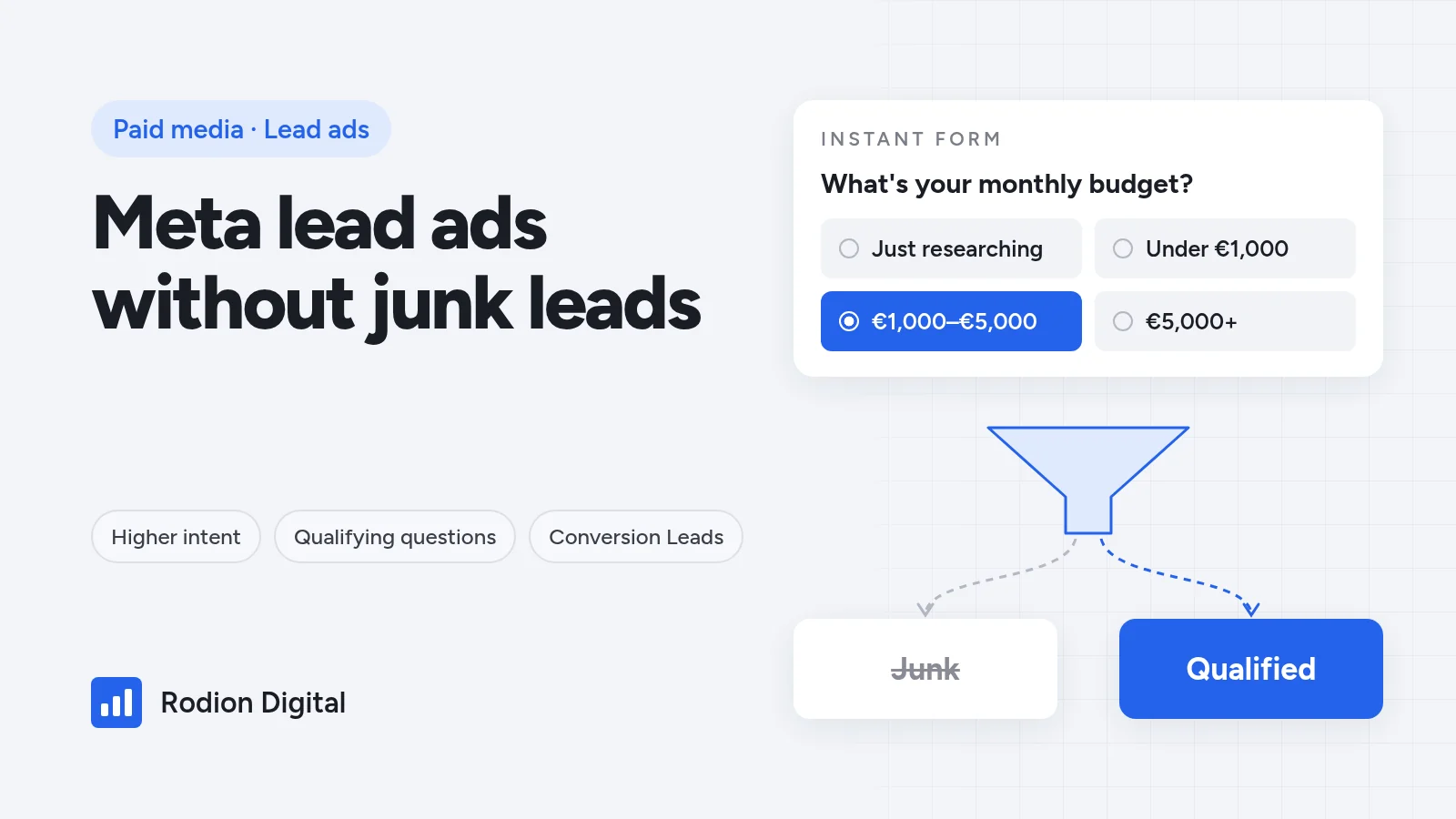
Step 2: add one or two qualifying questions
Contact fields tell you how to reach someone. Qualifying questions tell you whether you should. Keep it short — one or two well-chosen questions beat a long form:
- Use multiple choice, not open text. It's faster to answer, easier to route in your CRM and gives you clean data for reporting.
- Ask what actually decides fit: budget range, timeline, company size, type of project, or whether they're the decision-maker.
- Give mismatches a way out. Answers like "Just researching" or "Looking for a job" let the wrong people self-identify instead of pretending to fit.
- Use conditional answers where they help, so the second question depends on the first and the form stays short.
- Stay within Meta's rules. Meta restricts questions about some sensitive personal information, so keep questions about the project, not the person.
Every extra question raises cost per lead a little. That's fine as long as cost per qualified lead goes down — which is the number to judge it on, as explained in the lead gen unit economics guide.
Step 3: consider verification
Depending on your account and market, Instant Forms can include verification options — for example a one-time code sent by SMS before the lead is submitted, or requiring a work email instead of a personal one. Check which options your form editor offers.
Verification removes fake and mistyped contact details, but it adds friction, so raw lead volume will drop. Use it when bad phone numbers or fake emails are a real problem, and tell people in the form copy that they'll receive a code. Don't stack every option on a simple consumer form.
Step 4: write copy that filters
Your ad and form copy should make the wrong people scroll past. That feels counterintuitive, but it's exactly how cost per qualified lead goes down.
- Say who it's for — the type of business, size or situation you work with.
- Be specific about the offer and, where it makes sense, give a starting price or minimum. People who can't afford it will self-select out.
- Explain what happens next on the intro screen: a call, a quote, a consultation.
- Use the thank-you screen to move serious leads forward — a calendar link or a clear next step works better than "We'll be in touch".
Step 5: optimize for qualified leads, not form fills
Form settings reduce junk at the door. Optimization decides who Meta shows your ads to in the first place.
- Send CRM stages back to Meta. Once qualified leads and won deals flow back through the Conversions API, you can use the Conversion Leads goal and let Meta optimize toward the stage you choose. The setup is covered in the guide to sending CRM data back to Meta, Google and LinkedIn.
- Check the requirements first. Conversion Leads needs a CRM connection and a steady lead volume; Meta shows the current requirements in Events Manager.
- Exclude existing leads and customers from prospecting campaigns so you don't pay twice for the same people.
- Don't judge creative on CPL alone. The ad with the cheapest leads is often the one attracting the least qualified people.
Step 6: fix speed to lead
Some "junk" leads are actually good leads contacted too late. Someone who filled in a form on their phone forgets about it quickly. Route leads into your CRM instantly, notify the sales team, call or message the same day, and send an automatic email straight away confirming what happens next. If your team can't respond quickly, fix that before buying more leads.
Instant Forms or a landing page?
Instant Forms aren't always the right choice. A simple rule of thumb:
- Instant Forms work well when the offer is easy to understand, the decision is fast and your sales team qualifies leads by phone.
- A landing page works better when people need to understand pricing, proof or the process before they enquire — typically higher-ticket B2B. The extra click filters out low-intent people on its own, and you can design the page and form for it. That's where landing pages and form design pay off.
If you're not sure, test both with the same audience and creative and compare cost per qualified lead after a few weeks.
How to measure lead quality
- Tag every lead with campaign, ad and form version in your CRM, so quality can be traced back to the source.
- Report weekly on cost per qualified lead and contact rate per campaign, next to CPL.
- Change one thing at a time — form type, a question or the offer — and give each change a few weeks before you judge it.
This is how I run Meta Ads for lead gen clients. In one account, rebuilding the Meta campaigns and the landing page brought cost per lead from €38 to €20 on the same budget.
FAQ
Why are my Meta lead ads leads so bad?
Usually because the form is set up for volume: pre-filled details, no qualifying questions and a campaign optimizing for raw leads. Switching to the Higher intent form type, adding one or two qualifying questions and optimizing toward qualified leads fixes most of it.
What is the Higher intent form type?
It's an Instant Form option that adds a review step, so people confirm their details before submitting. It reduces accidental submissions, usually at a higher cost per lead.
How many questions should a Meta lead form have?
Usually one or two qualifying questions on top of contact details. Multiple-choice questions about budget, timeline or project type work best. Long forms cut volume more than they improve quality.
Should I use Instant Forms or a landing page?
Instant Forms suit simple offers and fast decisions where sales qualifies by phone. A landing page suits higher-ticket offers where people need context before enquiring. Test both and compare cost per qualified lead.
How do I make Meta optimize for qualified leads?
Send lead stages from your CRM back to Meta through the Conversions API. With enough volume, you can use the Conversion Leads goal, which optimizes toward the CRM stage you choose instead of form submissions.
Related reading: CRM Offline Conversions · Lead Gen Unit Economics · Paid Media · Funnel Design & CRO.
Free growth audit
Getting leads your sales team won't call?
I rebuild Meta lead gen setups end to end: forms, qualifying questions, CRM feedback and optimization toward qualified leads, not cheap form fills.
Step 1 of 3 · Your business

Written by
Rodion Riabyi
Growth partner for e-commerce, lead gen and B2B companies. €50M+ in ad spend managed across 250+ projects on Meta, Google, TikTok and LinkedIn.